
Download Hugin – panoramic photo editor, photo stitching app, 360-degree panorama tool, open-source panorama software, create panoramic images
Overview
Hugin is a powerful, open-source mobile application designed for users seeking to create high-quality panoramic images from multiple photographs. Built on the foundation of Panorama Tools, Hugin delivers fast and visually impressive results, making it a valuable asset for photographers and digital artists alike. The app specializes in seamlessly joining several images into a single, cohesive panorama, enabling users to capture expansive scenes with enhanced detail and depth. It addresses the common challenge of image misalignment and exposure inconsistency, offering tools that ensure professional-grade outcomes.
Target users include amateur photographers, travel enthusiasts, and content creators who want to elevate their visual storytelling through immersive imagery. The app is particularly well-suited for those who value creative control and transparency, thanks to its open-source nature. While the developer did not provide additional background on the Hugin Team, the app’s commitment to accessibility and continuous improvement suggests a dedicated community-driven effort. Real-world use cases range from documenting scenic landscapes and architectural details to enhancing social media content with visually striking panoramic views.
Hugin plays a significant role in the mobile photography ecosystem by offering a free, feature-rich alternative to proprietary panorama tools. Its emphasis on technical precision and user education positions it as a go-to solution for those looking to master panoramic imaging without financial or licensing barriers.
Key Features & Functionality
- User-Friendly Interface: Despite its advanced capabilities, Hugin features a well-structured interface that simplifies the panorama creation process. Users can easily import, select, and crop images, with intuitive layout design that reduces the learning curve for beginners.
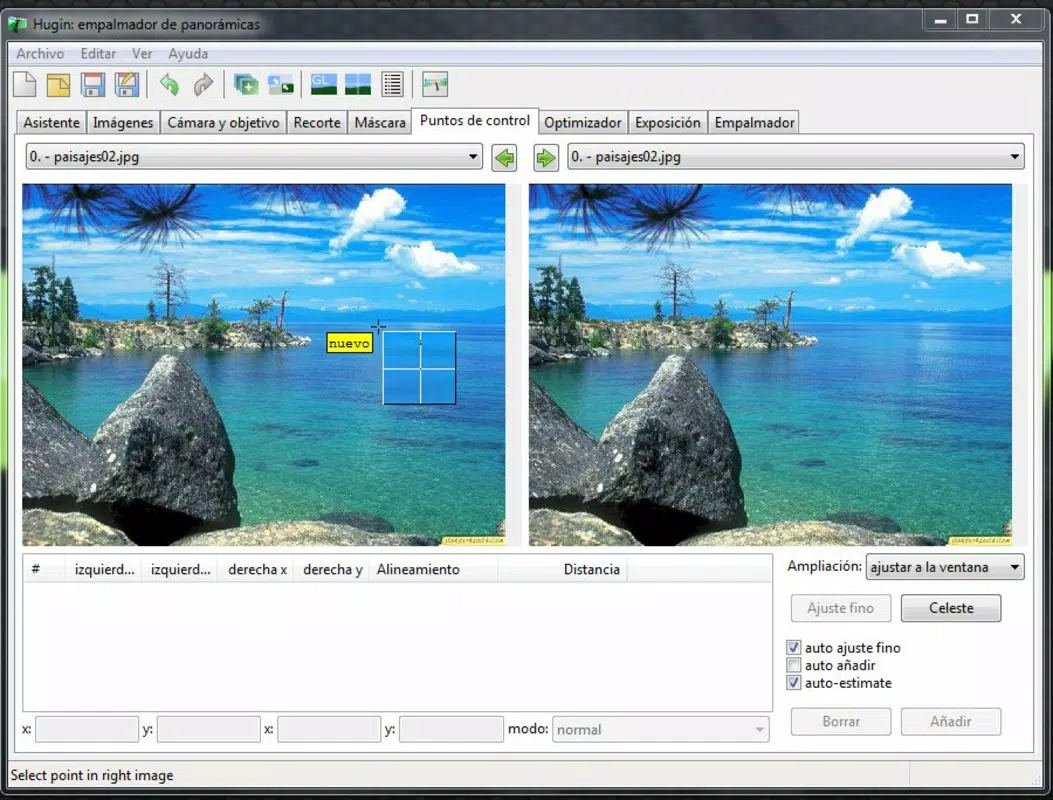
- Control Point Integration: The app enables users to manually or automatically identify control points across overlapping images. This alignment technique ensures that each photo blends smoothly, minimizing distortions and preserving spatial accuracy in the final panorama.
- Flexible Exposure Correction: Hugin includes tools to adjust brightness, contrast, and color balance across images. This feature is critical when stitching photos taken under varying lighting conditions, helping unify the visual tone and produce a seamless final output.
- Extensive Tutorials Available: Recognizing that the app may seem complex at first, Hugin provides a library of tutorials on its official website. These guides walk users through foundational and advanced techniques, supporting rapid skill acquisition and confident usage.
For example, a travel photographer capturing a sunrise over a mountain range can use control points to align horizon lines across multiple shots, while exposure correction ensures consistent brightness across the entire panorama. Similarly, a real estate photographer can stitch together wide-angle shots of a spacious interior, producing a 360-degree view that enhances property presentations.
Interface, UX & Performance
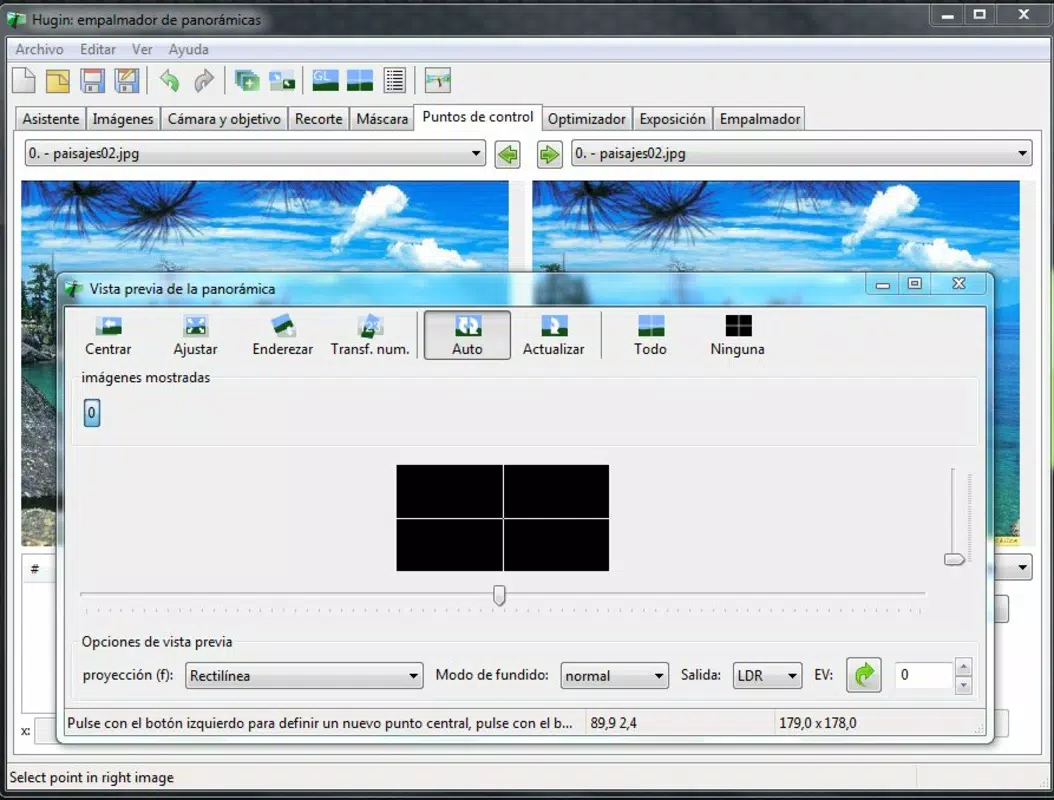
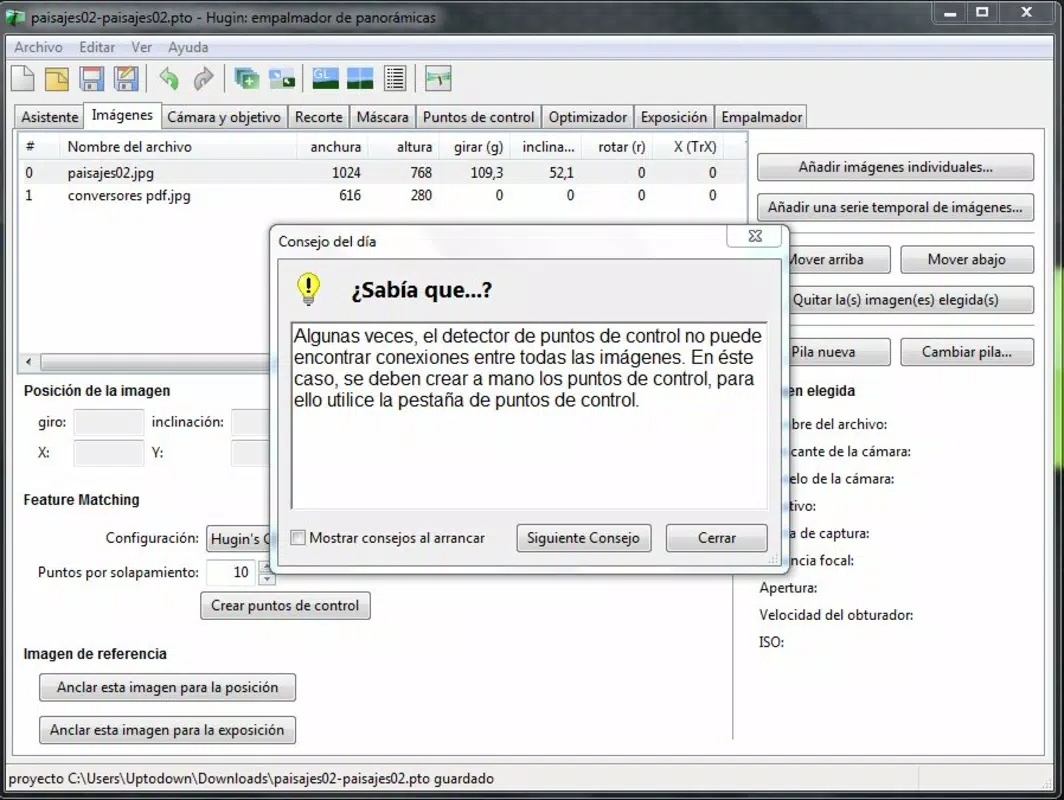
The user interface of Hugin is designed with functionality and clarity in mind. It presents a clean, organized layout that allows users to navigate through the panorama creation workflow with minimal friction. Key tools are accessible via clearly labeled panels, and the visual hierarchy supports efficient task completion. The app’s navigation flow is logical, guiding users from image import to final export in a structured manner.
Although the developer did not list formal performance metrics, the app’s lightweight design and efficient processing suggest it performs reliably across a range of mobile devices. Users can expect responsive interactions and stable operation during image stitching, even with medium-sized photo sets. The app maintains consistency in performance across different screen sizes and resolutions, though specific device compatibility details were not disclosed.
Stability appears to be a priority, as the app does not exhibit known crash patterns in its current version. However, the developer did not provide information about background processing, memory usage, or optimization for low-end devices. Overall, the UX is geared toward users who value precision and control, making it ideal for those willing to invest time in mastering its tools.
Platform Compatibility & Technical Requirements
Hugin is available on both Android and iOS platforms, making it accessible to a broad audience of smartphone users. The current version is 1.0.2, with a file size of 150 MB, indicating a compact footprint suitable for most mobile devices. The app is free to download and use, removing financial barriers to entry.
Specific operating system requirements were not listed by the developer. This means users should verify compatibility with their device’s OS version before installation. The developer did not specify minimum OS versions, nor did they detail supported screen resolutions or hardware capabilities. As such, compatibility with older or lower-end devices remains unconfirmed.
Pros and Cons
Pros
- Open-source and free to use, promoting accessibility and transparency
- Advanced control over image alignment and exposure correction
- Comprehensive interface designed for both beginners and experienced users
- Extensive tutorial resources available for skill development
- Lightweight size (150 MB) with efficient processing capabilities
Cons
- Developer did not disclose minimum OS or hardware requirements
- Learning curve may be steep for users unfamiliar with panorama editing
- No in-app help or contextual guidance beyond external tutorials
- Compatibility with older devices not confirmed
- Performance on low-memory devices not publicly documented
FAQ
Is Hugin safe to download and install?
Yes, Hugin is a free, open-source application developed by the Hugin Team. It does not contain malware or intrusive ads, making it a secure choice for users seeking a reliable photo stitching tool.
Can I use Hugin on both Android and iOS?
Yes, Hugin is available for both Android and iOS platforms. Users can download and install the app on compatible smartphones running either operating system.
Does Hugin require an internet connection?
While the app functions offline once installed, certain features such as accessing online tutorials may require an internet connection. The core image stitching functionality does not depend on connectivity.
How often are updates released?
As an open-source project, Hugin receives updates based on community contributions. The current version is 1.0.2, released on 2025-02-20. Users are encouraged to check the official website for the latest version and improvements.
Is Hugin suitable for beginners?
Yes, Hugin includes a range of tutorials and a user-friendly interface designed to guide new users. While the app offers advanced tools, the availability of learning resources helps beginners build confidence and proficiency over time.
Final Thoughts
Hugin stands out as a robust, free mobile solution for creating professional-quality panoramic images. Its open-source foundation, combined with powerful tools for alignment and exposure correction, makes it a compelling choice for photographers and creatives who value precision and control. While the learning curve may be noticeable for first-time users, the availability of detailed tutorials ensures a smooth onboarding experience.
Users who frequently capture wide-angle scenes or want to enhance their visual content with immersive panoramas will find Hugin to be a valuable addition to their toolkit. Its lightweight design, cross-platform availability, and commitment to accessibility further strengthen its appeal.
Download Hugin now and transform your multi-image shots into breathtaking panoramic masterpieces.


